Photo or camera input
Choose a JPEG, PNG, or WebP image up to 10 MB, or capture a photo with an available camera.
From the front of a card to information you can review.
Read printed information from the front of a US driver license, review the results, and export structured JSON.
scandriverlicense.bulmar.tech
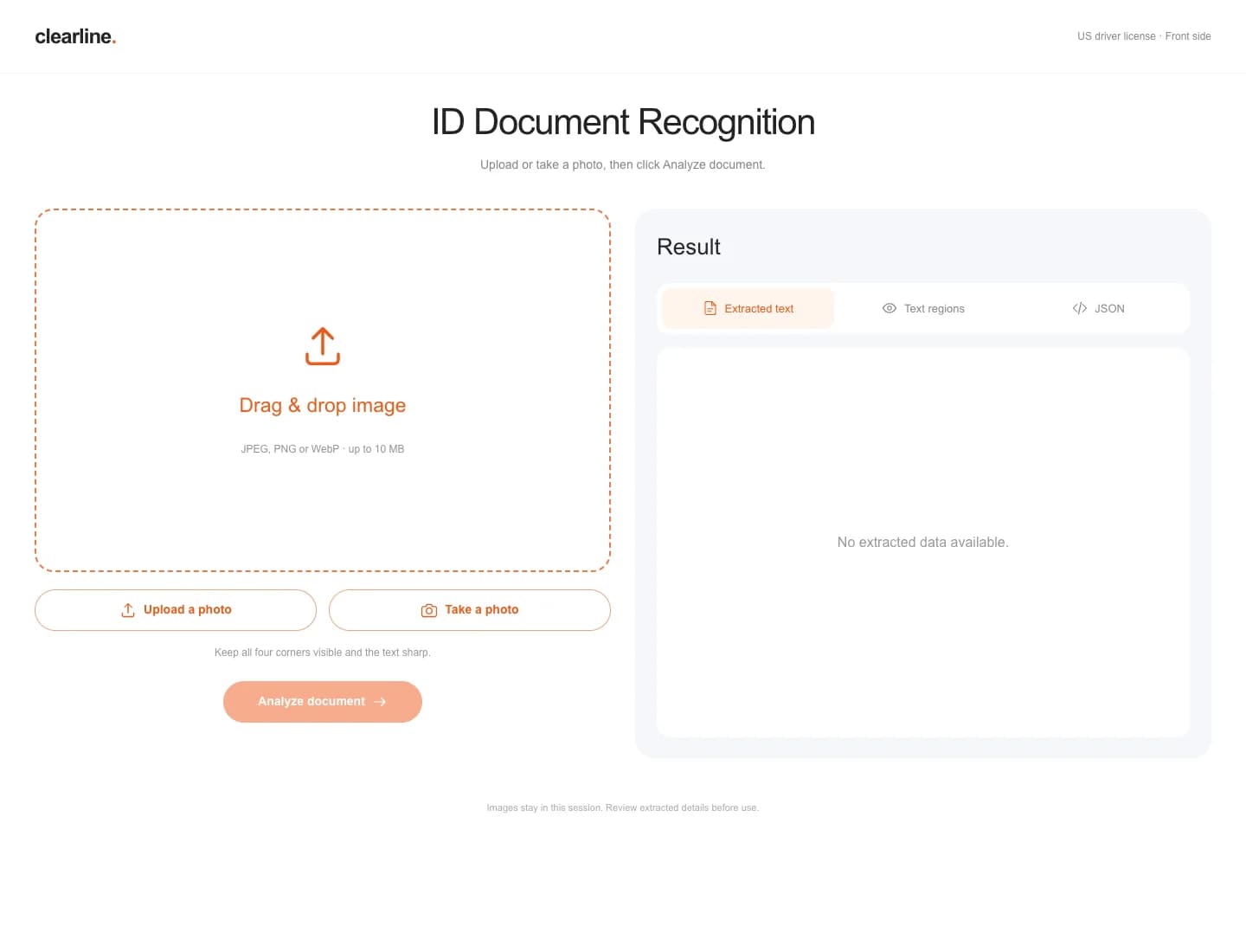
Scan Driver License uses optical character recognition to read visible text on the front of a driver license. Upload a photo or use the camera, adjust the image, then run an analysis when you are ready. The application’s interface is also identified as Clearline.
Typing printed document details by hand is repetitive. OCR can prepare the information for review while keeping the source image available for checking.
Operators and developers evaluating front-side US driver license text extraction with a review step.
Choose a JPEG, PNG, or WebP image up to 10 MB, or capture a photo with an available camera.
Preview the document, rotate it, or adjust the crop before selecting Analyze document.
Inspect detected names, license number, dates, address, and issuing information alongside the document.
Review uncertain values, edit details, and download the structured results as JSON.
Review document, portrait, signature, or other image regions when the detector finds them.
Use a synthetic license image to evaluate how printed information becomes editable fields and JSON. Check every important value before using a result.
Upload a clear front-side photo or use the camera. Keep the complete card visible.
Check the preview and adjust crop or rotation if necessary.
Select Analyze document, compare the results with the image, and correct uncertain fields.
Download reviewed information as JSON for your own permitted workflow.
Application screenshot · demo data
Read printed information from the front of a US driver license, review the results, and export structured JSON.